

available lots for rent, neighborhood, residential street view, management, exterior

How to Pay Lot Rent

Learn how to sign up and pay lot rent with the rmResident app.

Next Bricks
Next Bricks
Step 1

Verify Your Account

After applying for residency and being approved, we will send you a confirmation email asking you to verify your account. Open the email and follow the instructions to finish your account verification.
paved neighborhood roads, listings, Greenville, Greer, move in ready homes Upstate
Greenville, community, professional property management SC, neighborhood, managed mobile home communities
Step 2

Continue With Our Setup Guide

We've created simple video guides to help you create your account and set up payments. Click on the guide in your language below:
affordable housing in Easley, housing, paved neighborhood roads, management, suburban

Download the Resident App

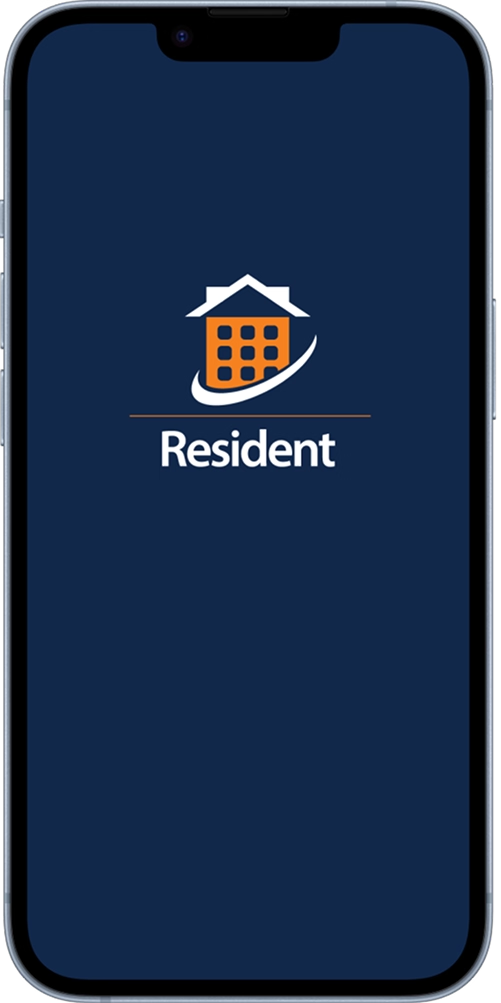
Install the rmResident app on your phone. This is where you'll be able to manage your account and pay rent.